10x Your LinkedIn.
One Click.
AI-powered posts, comments, DMs & connection notes. Free, private, works offline.
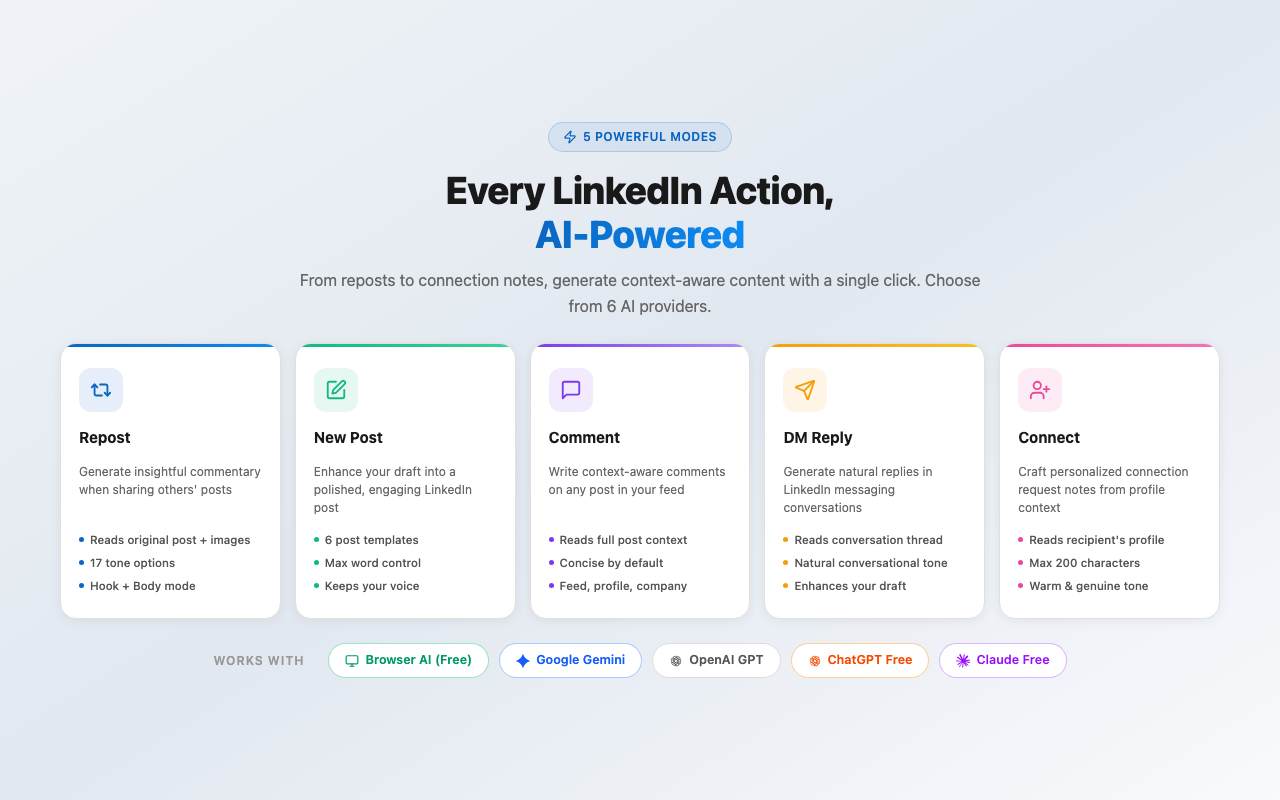
Every LinkedIn Action, AI-Powered
From sharing posts to sending connection notes, Quillzy puts an AI assistant wherever you write on LinkedIn.
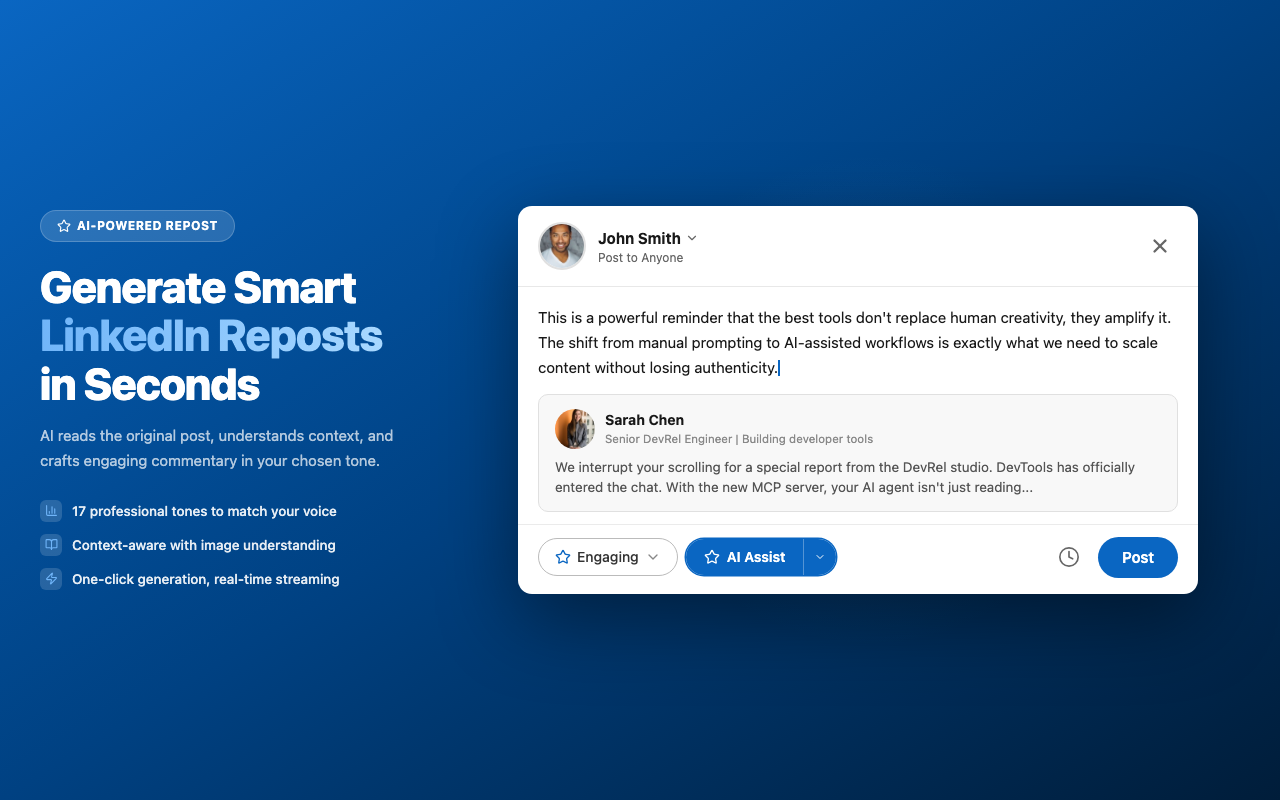
- Image-aware AI analysis
- 17 tones + custom tone
- Streaming response
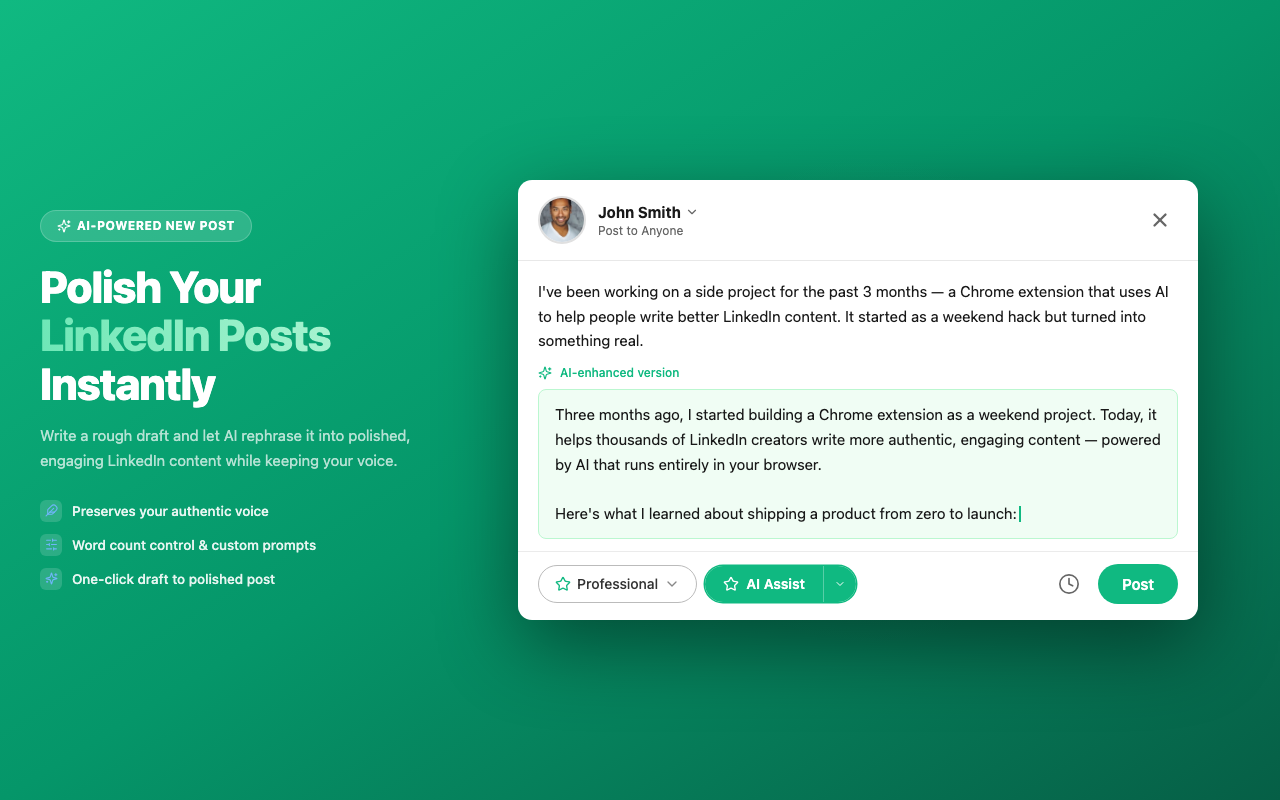
- Preserves your voice
- Word count control
- Custom system prompts
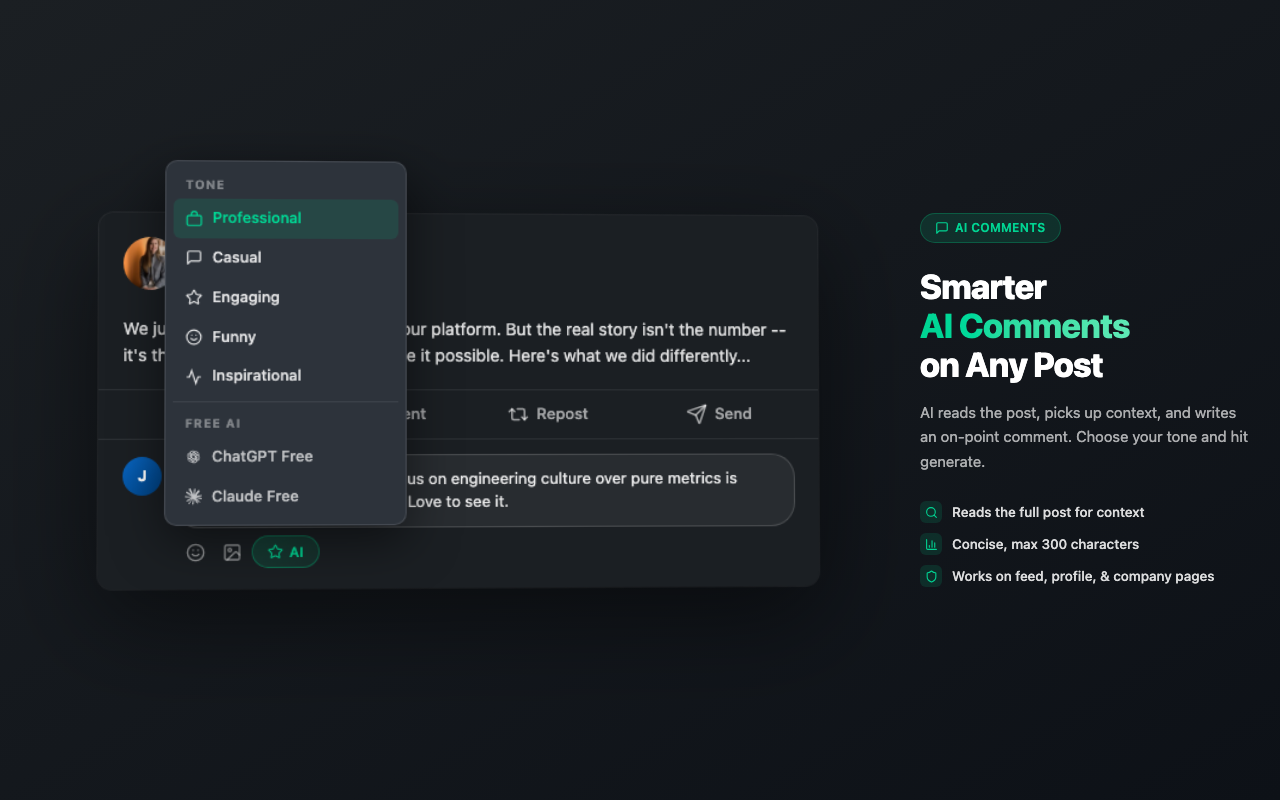
- Reads post context
- Compact in-line toolbar
- Max 300 characters
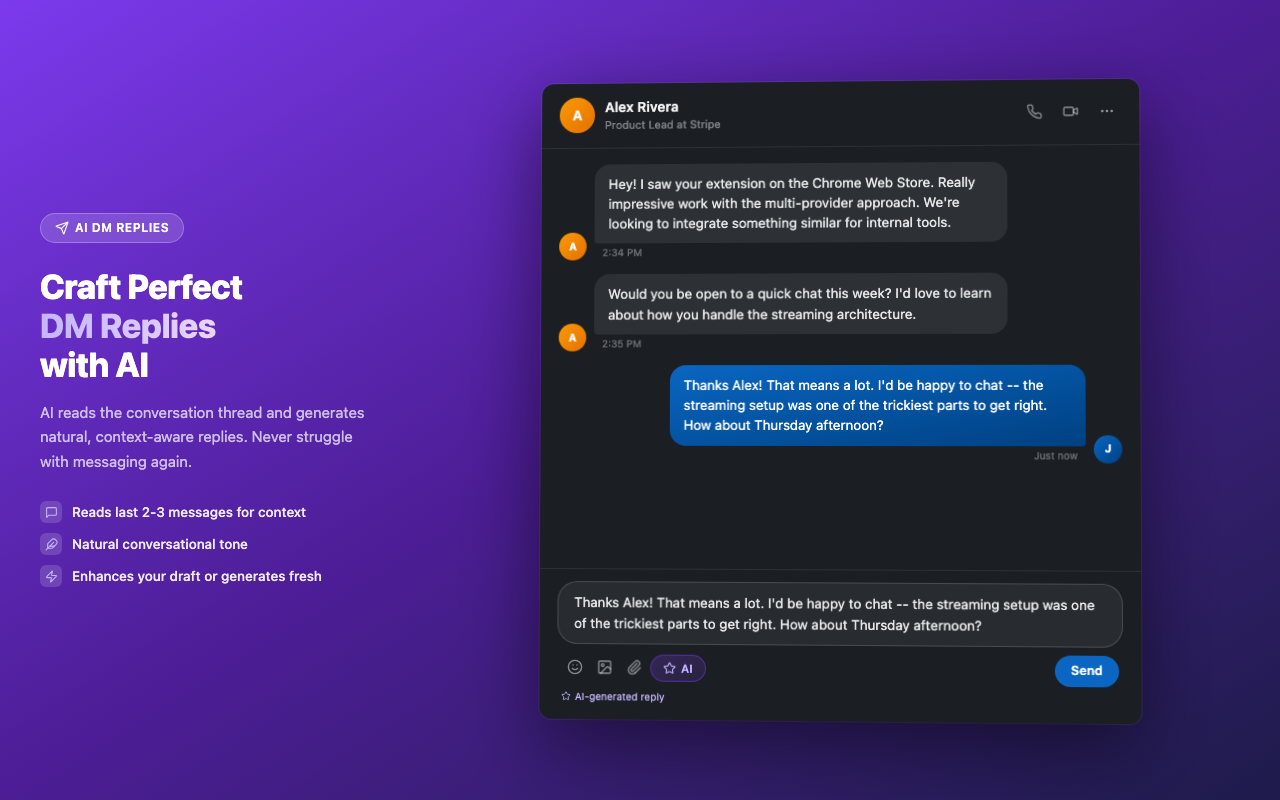
- Conversation-aware
- Natural tone matching
- Works in overlays
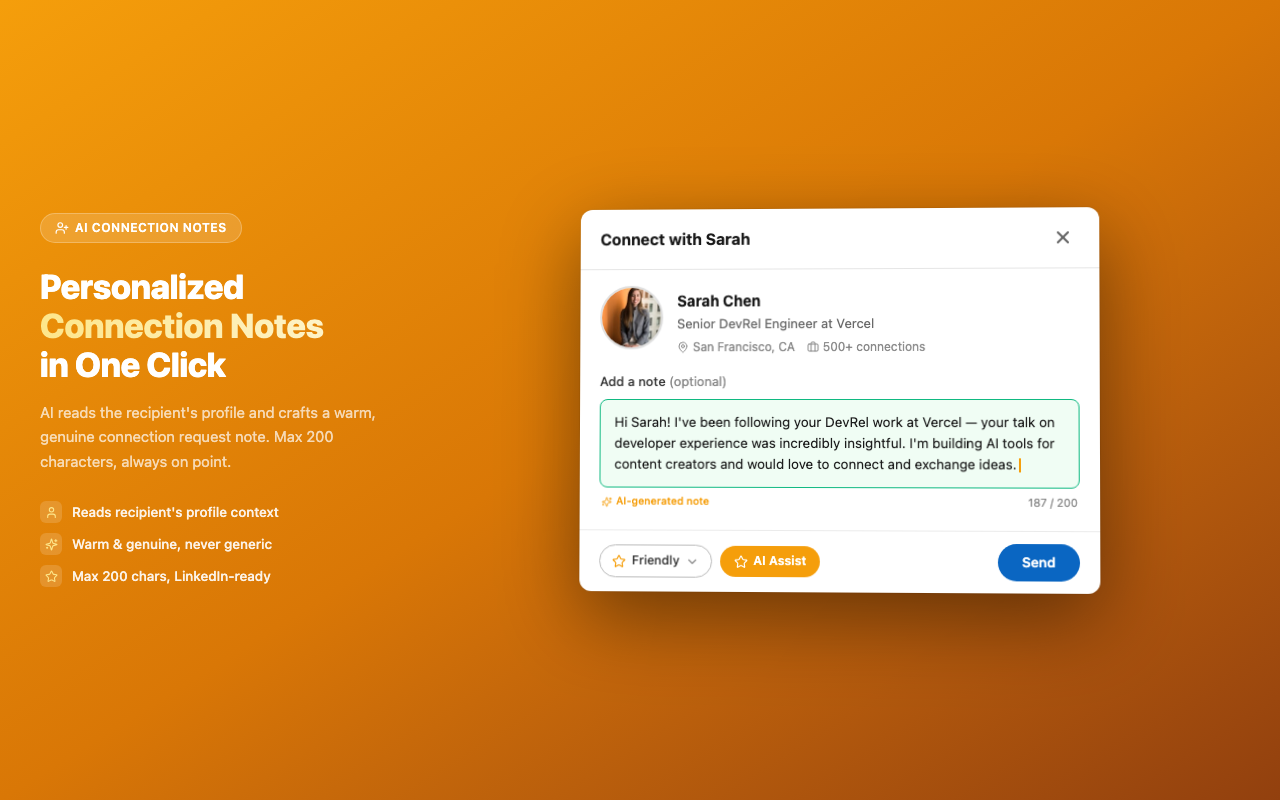
- Profile-aware
- Max 200 chars
- Warm & genuine
Three AI Providers, One Extension
Pick the provider that fits your needs. Switch anytime. Your content workflow stays the same.
- No API key required
- Works offline
- Your data never leaves your browser
- One-time model download
- Gemini 2.5 Flash, 2.5 Pro, 2.0 Flash
- Image-aware commentary
- Free tier available
- GPT-5 Nano, GPT-4o, GPT-4.1, GPT-5 Pro
- Image-aware commentary
- Premium quality
Use web interfaces directly. Quillzy auto-fills the prompt
Up and Running in 3 Steps
Install
Add Quillzy to Chrome in one click. No sign-up required.
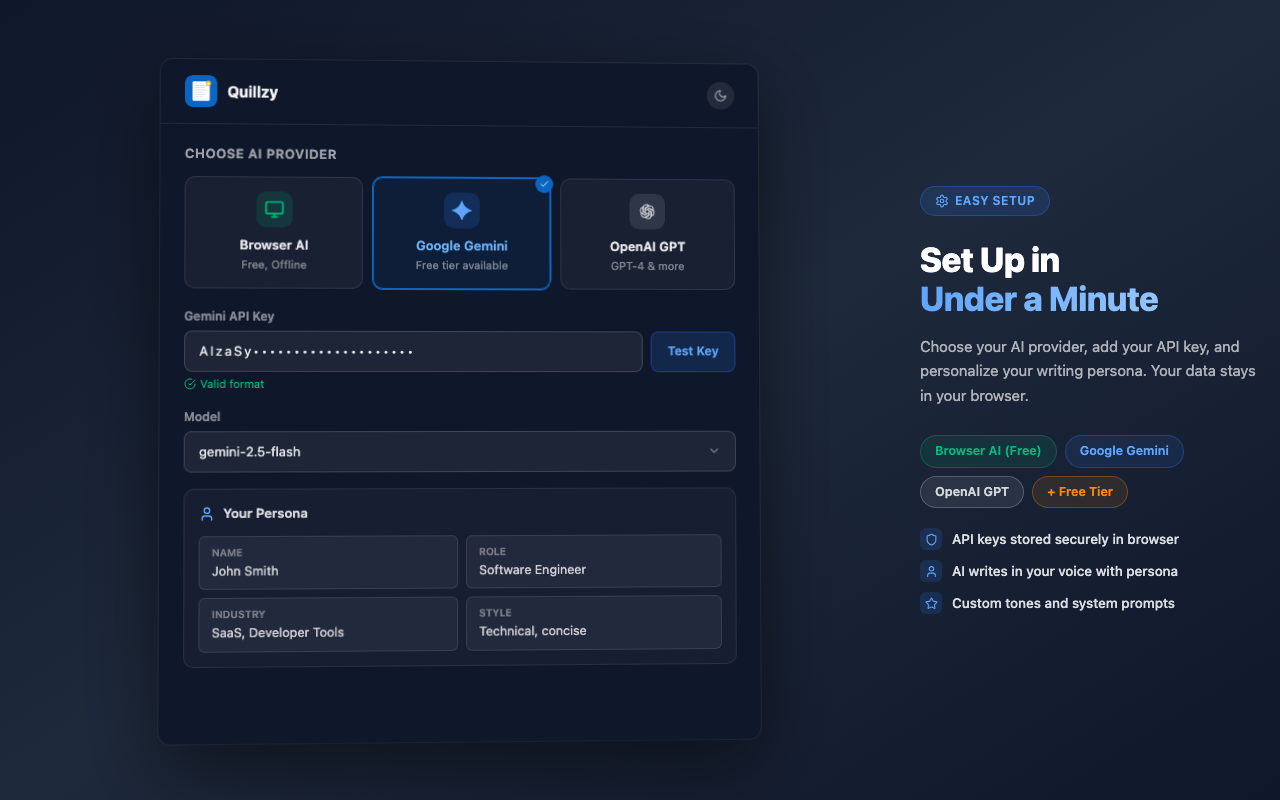
Configure
Choose your AI provider. Browser AI is free and works offline. Or add your own API key.
Write
Open LinkedIn and start creating. Quillzy's AI toolbar appears right where you need it.
Your Data Stays Private
Loved by LinkedIn Creators
“Quillzy has completely changed how I engage on LinkedIn. The comment mode alone saves me an hour a day.”

Sarah K.
Marketing Manager
“The Browser AI mode is incredible. No API key, works offline, and the quality is surprisingly good. Best free tool for LinkedIn.”

James R.
Startup Founder
“17 tones! I switch between Professional for work posts and Witty for engagement comments. Love the customization.”

Priya M.
Content Creator
Frequently Asked Questions
Ready to Write Smarter on LinkedIn?
Join thousands of LinkedIn creators using Quillzy. Free, private, and works offline.
Add to Chrome, Free